
Start here
New to Roco Kingdom? Start with a simple goal: get comfortable with the world before trying to build the perfect team. This guide helps English-speaking players prepare for the global closed beta and gives you a practical plan for your opening sessions.
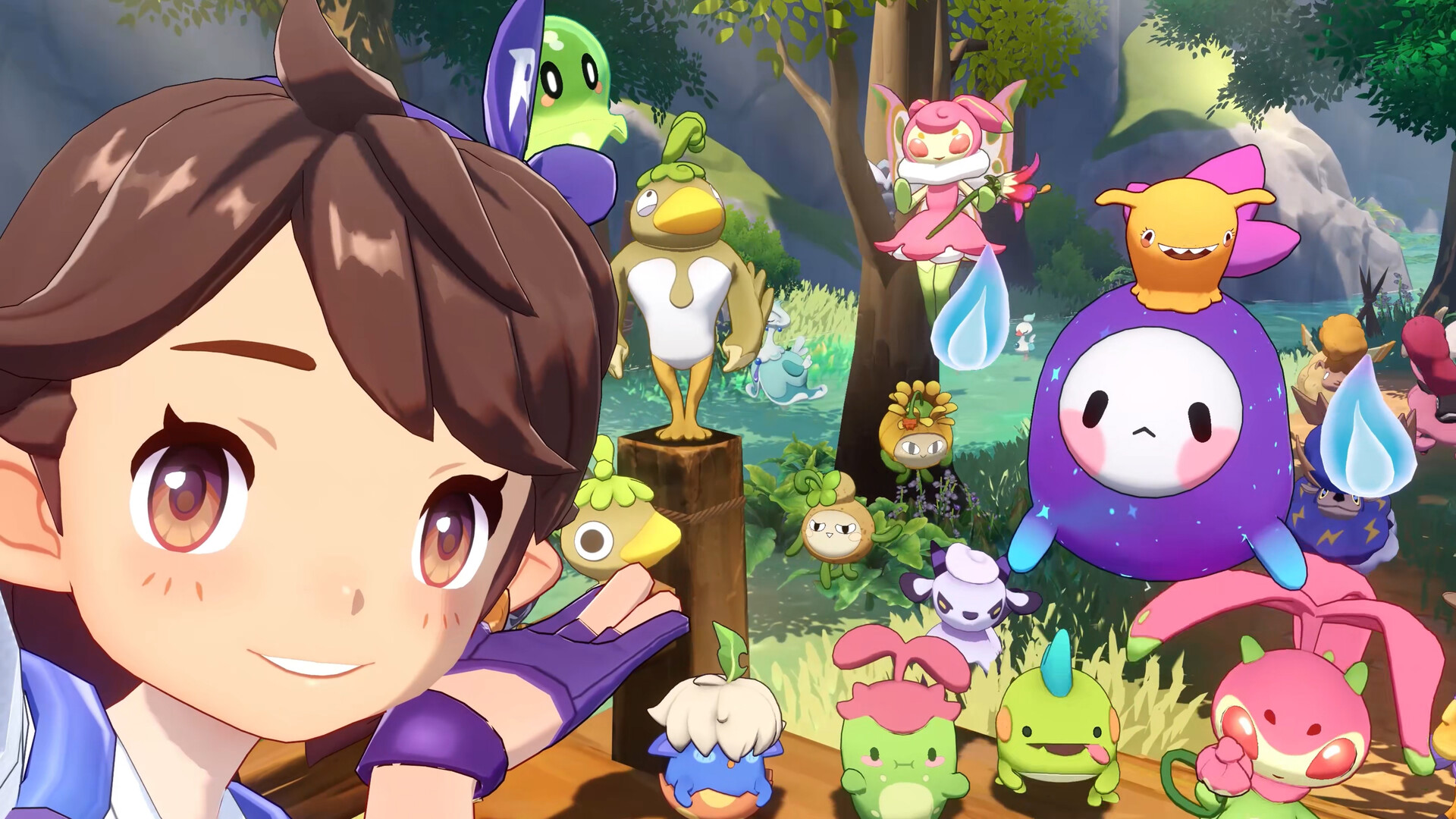
Roco Kingdom is an open-world creature-collecting adventure from Morefun Studios. Its creatures are called Jinies, and its world is Carosia. The international Steam listing introduces exploration, the Magic Academy, shared adventures and turn-based PvP.
Blink tipThis is a pre-beta preparation guide, checked on October 2, 2026. The first-session tips below are Blink’s suggested approach, not a hands-on walkthrough of the unreleased global test.
You do not need a tier list to enjoy your first evening. Learn one system at a time, keep a few notes, and leave room for the Jini you like simply because it makes you smile.
Get ready for the global test
The official Quack Quack Test FAQ lists October 27, 2026, at 02:00 UTC as the start time. The test supports PC, Android and iOS, with English and Japanese. Progress syncs between PC and mobile, in-game purchases are disabled, and progress will be erased when the test ends. Read the official FAQ on Steam.
Apply with the account you intend to use
Visit the official Roco Kingdom website, sign in with a Level Infinite account, pre-register, then select Join the Test and finish the questionnaire. Applying does not guarantee selection. The FAQ says applicants can check their status on the official website from October 23.
Blink tip: Keep the confirmation email somewhere easy to find. When download instructions arrive, open them on the device you plan to play on and follow the instructions for that platform. Leave yourself time to install and update before your first session.
“All characters and progress will be wiped at the end of the test”
Treat the beta as a chance to learn and experiment. Do not plan your opening hours around permanent account progression. The test date is not a full-release date; Steam currently lists the game as Coming soon.
Watch before you play
The official announcement trailer is a useful introduction to the game’s look and setting. Watch for the kinds of environments and companions that interest you, rather than treating every scene as a promise about your first hour.
If the player is unavailable, watch the trailer on YouTube. For another look, the developer’s September gameplay showcase post links to this official gameplay video.
Your first session: learn before you rush
1. Make the game comfortable
Before chasing objectives, take a moment to check the language, camera sensitivity, controls and display settings available in your build. Try walking, turning and reading menus. On a phone, prioritize readable text and comfortable controls over the most demanding visual settings.
2. Let the introduction teach you
Follow the opening instructions before making a long detour. If a menu, interaction or route is unfamiliar, pause and read the prompt instead of skipping it. Make a note of anything you want to revisit once the opening sequence gives you more freedom.
3. Choose a small goal
For your first session, aim to understand one companion and one nearby area. A manageable goal gives you something useful to learn without turning the game into a checklist of every activity you have seen online.
Blink tipYour first win is understanding why something worked. Speed can come later.
Get to know your Jinies
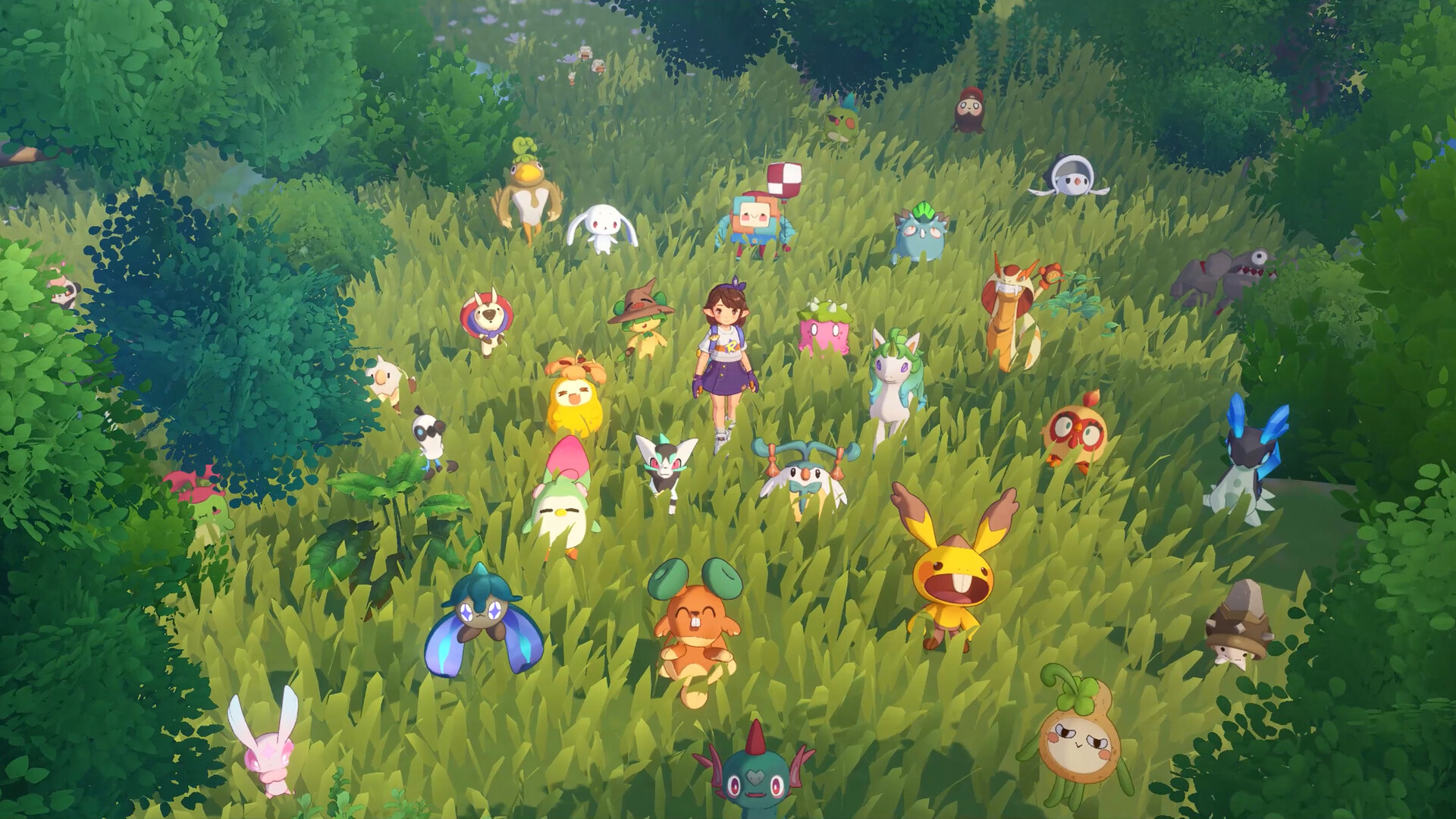
The store page advertises more than 400 Jinies across the game. That is an overview of the project, not a promise that every species will be available in the test or accessible immediately. Official game overview.
When you meet a new companion, read the information your build provides: its type, skills and any conditions attached to those skills. Ask yourself what it helps you do and when you would want to use it. Keep the comparison simple enough to remember.
If you have a choice of companions, pick one you want to spend time learning. We are not naming a best global starter here: a useful recommendation needs the actual global choices, skill descriptions and early encounters. A ranking copied from another version would skip those checks.
Try this note format: companion name; useful skill; situation where it helped; question to test next time. This turns experimenting into knowledge you can use when you meet something unfamiliar.
Make better battle decisions
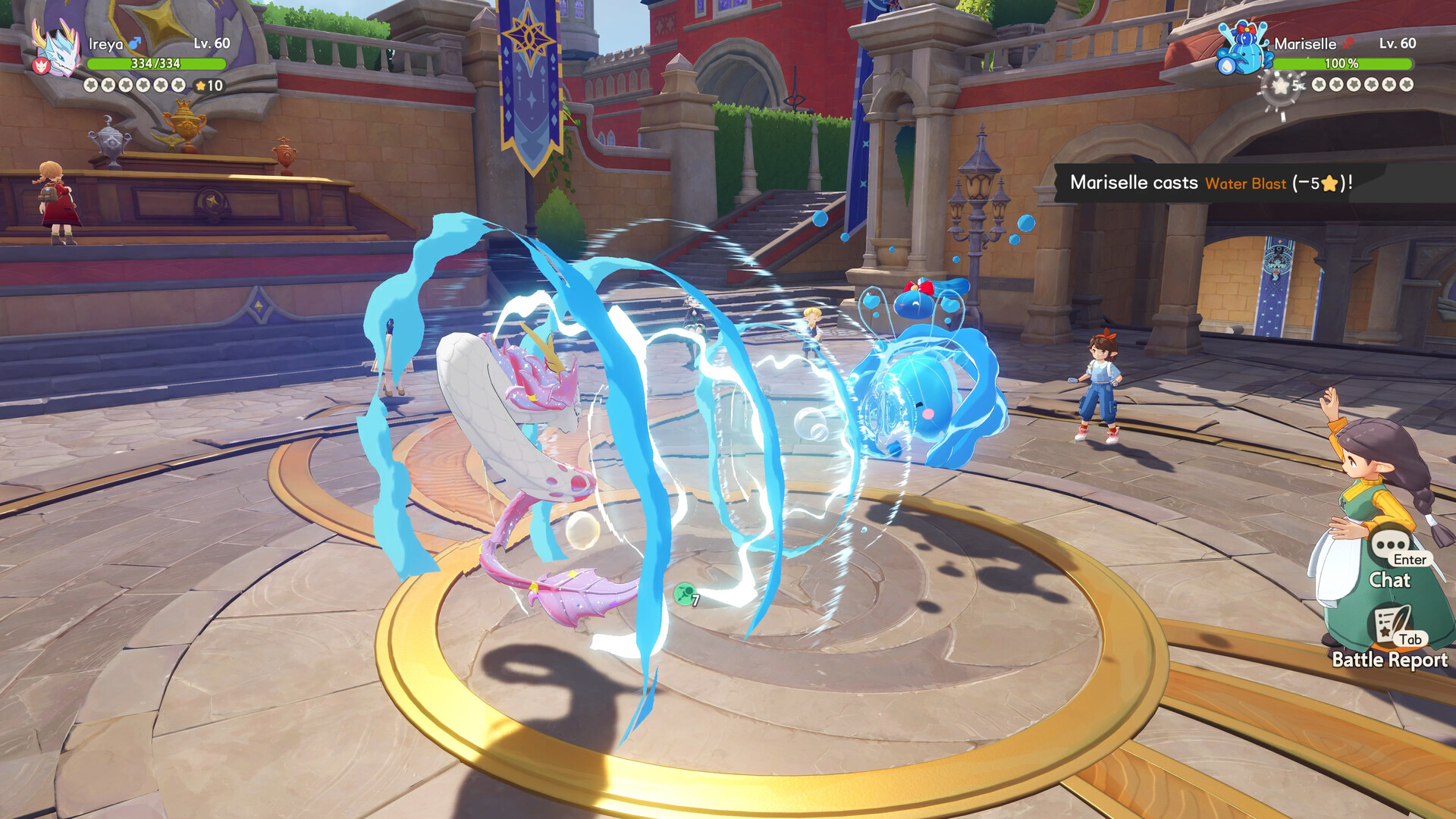
The official store description emphasizes type matchups and skill traits in turn-based PvP, with equalized Jini levels for that mode. Do not assume that every PvE encounter uses the same rules. Read the combat overview.
Before choosing a move
Read the skill description. Check any visible cost or condition, then look at what the opponent is doing. Choose a move for a reason you can explain: dealing damage, handling the current situation, or setting up your next decision.
After a difficult encounter
Change one thing at a time. Try a different available move or approach, then compare the result. If you change everything together, it becomes harder to tell what helped. Keep notes on the actual global build instead of assuming an older guide still applies.
Blink tipLearn the matchups you encounter first. You do not need to memorize an entire chart before your first battle.
Explore without making it a chore
Pick a landmark you can recognize and explore around it. If you find an interesting place you cannot use yet, write down its location or take your own screenshot. Use a map marker if your build offers one. This gives you a reason to return without interrupting every current objective.
Read unfamiliar item descriptions before using them. If you do not understand a material’s purpose, wait until the game explains it. During a temporary test, spending to understand a system can be worthwhile too; the point is to make a deliberate choice, not to hoard everything.
Finish with a short review: What did I learn? What would I like to try next? What confused me? A clear question is often more useful than another hour of unfocused collecting.
A short checklist for your first evening
1. Confirm test access and follow the official download instructions.
2. Adjust the available controls and display options until they feel comfortable.
3. Complete the opening guidance and read the prompts for unfamiliar systems.
4. Learn one companion’s skills and try to explain your battle choices.
5. Explore one area, record a place to revisit, and choose your next small goal.
6. If you find a bug, note the steps, device and visible error before submitting feedback through official support.
Save this guide for your first session, then compare your experience with the current test notices. Specific capture routes, evolution requirements and starter recommendations need verification in the global build before they belong in a reliable walkthrough.
Official links and update notes
Pre-register and check test notices · Official Steam store · Developer announcements and beta FAQ · Official community Discord.
Checked October 2, 2026. Official sources establish the test information and advertised features; the session plan and learning tips are Blink editorial recommendations. Screenshots are publisher promotional materials, not screenshots from a Blink playthrough.
Comments 0
Community conversations are coming soon. Comment submissions aren’t available yet.